extendo
lightweight clipboard history for macOS and iOS, end-to-end encrypted sync across your iCloud devices


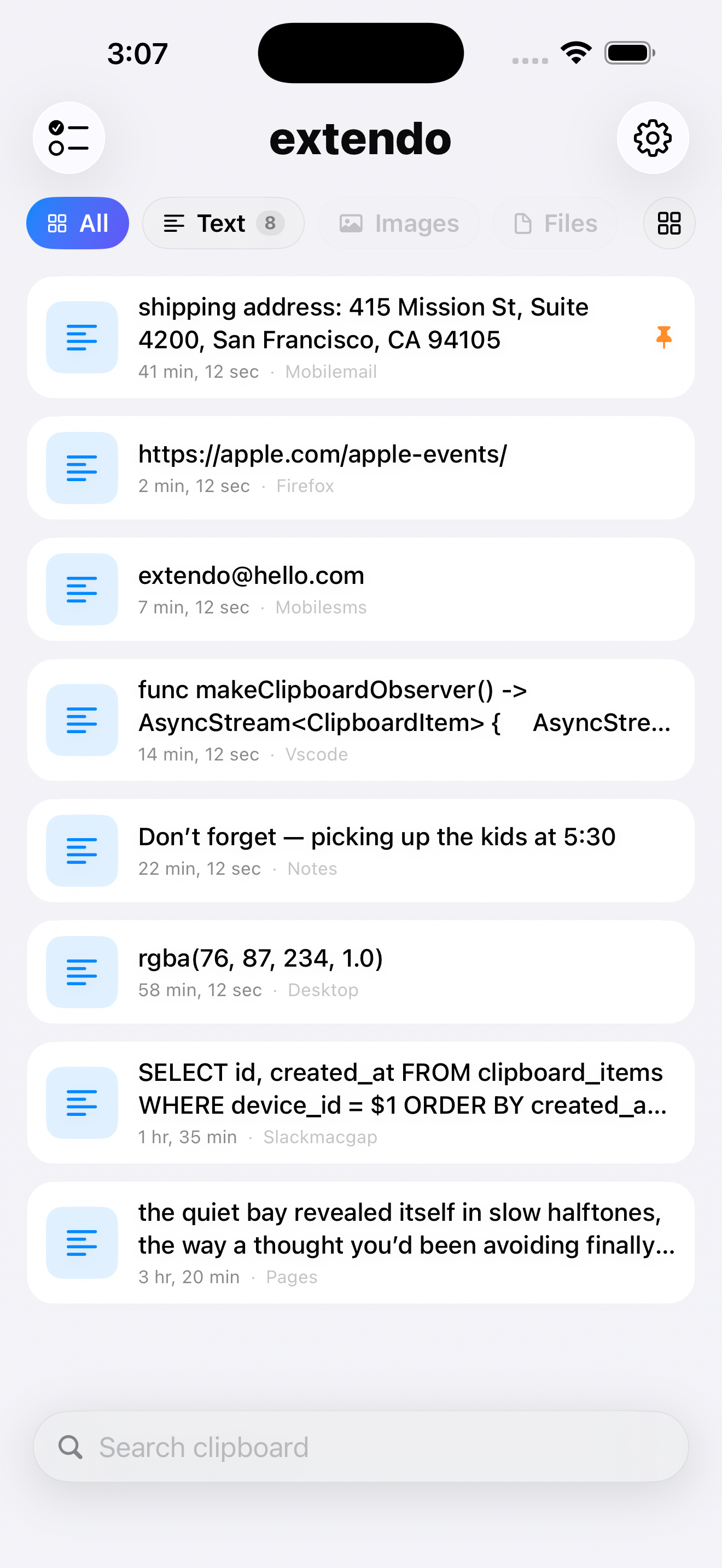
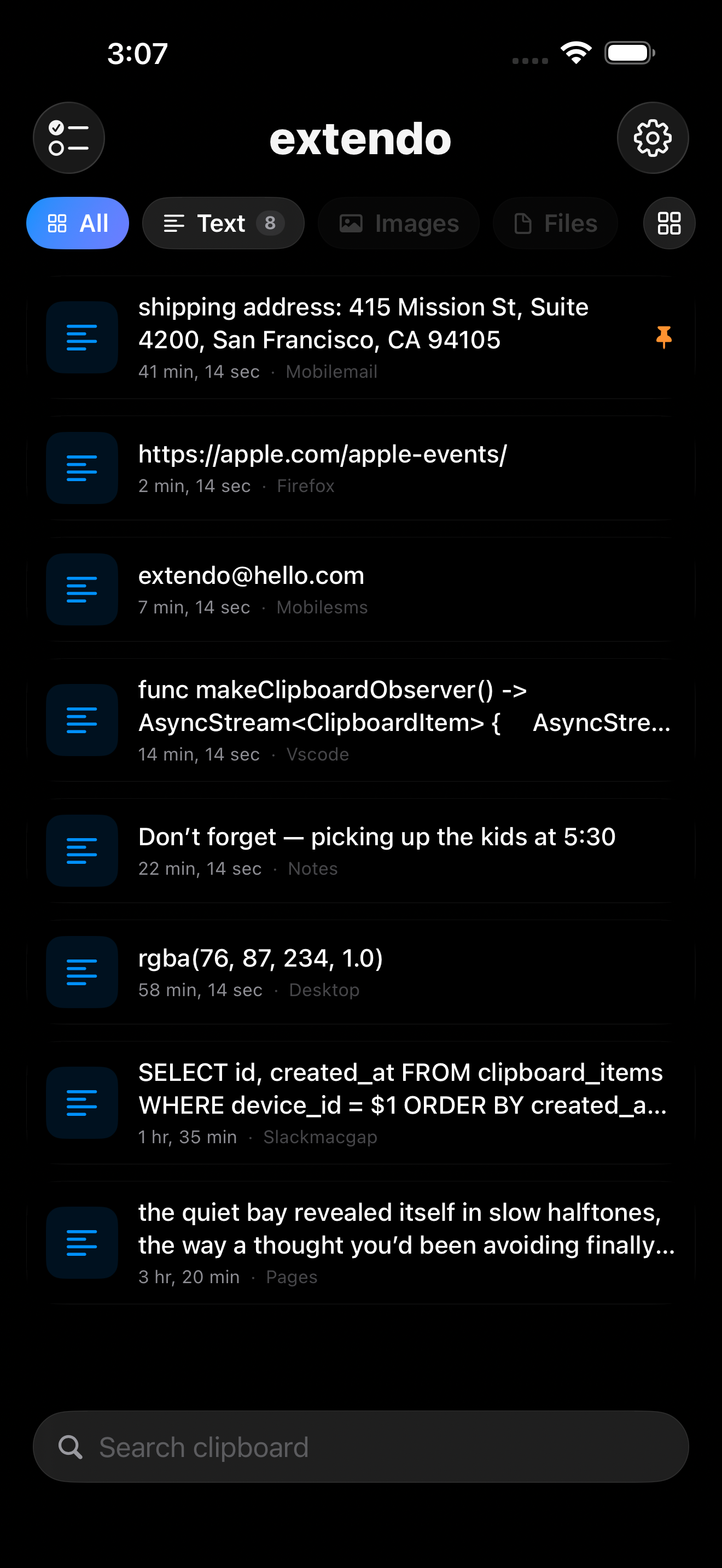
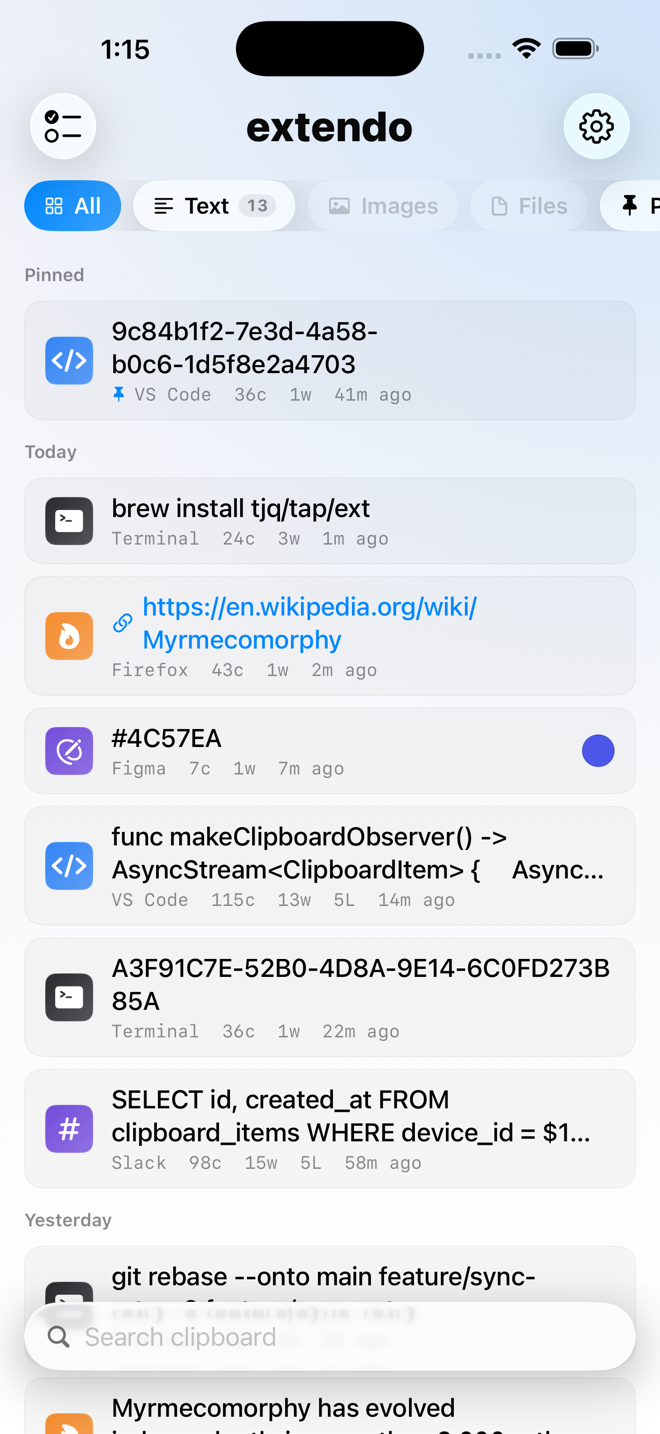
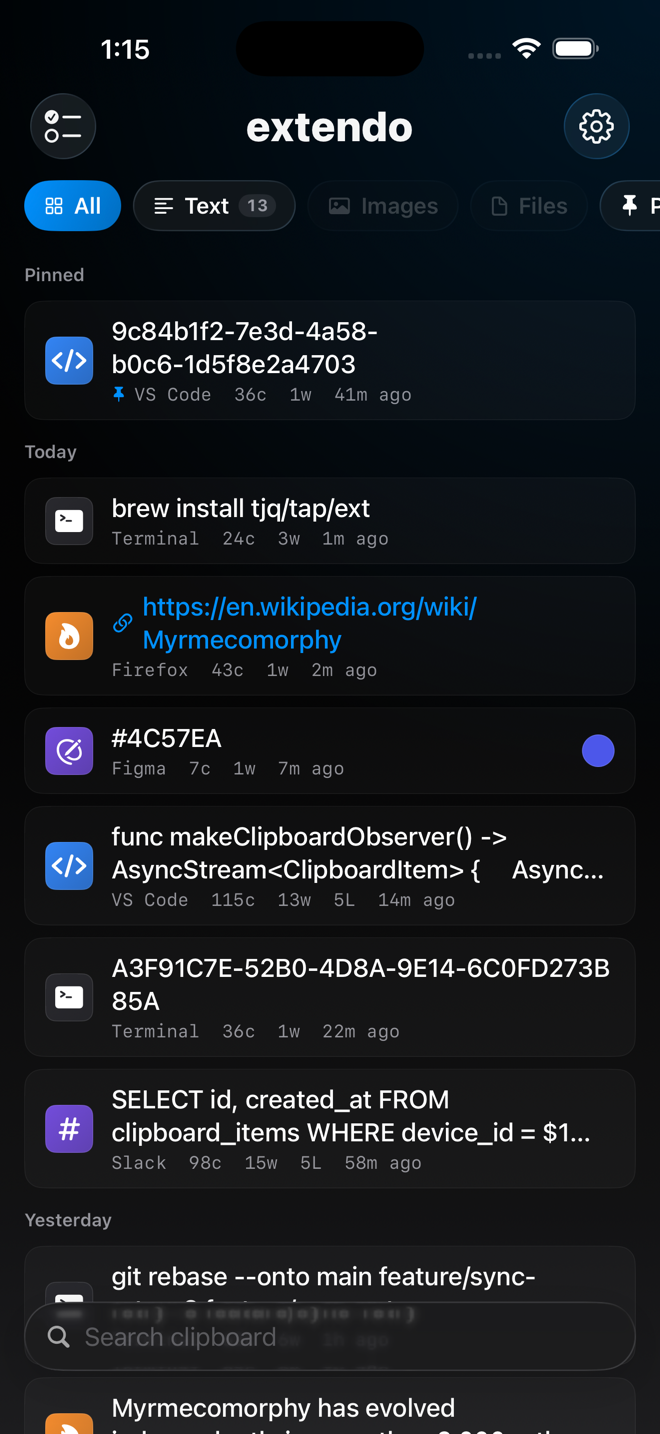
one history, both devices
why extendo
lightweight by design
A native Swift menu bar app. No Electron, no dock icon, no background bloat — it sits next to your clock and stays out of the way.
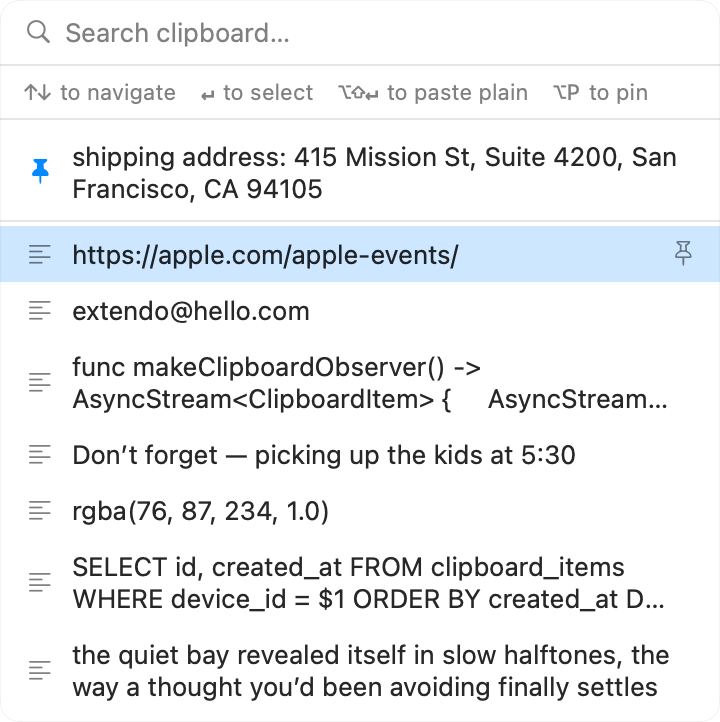
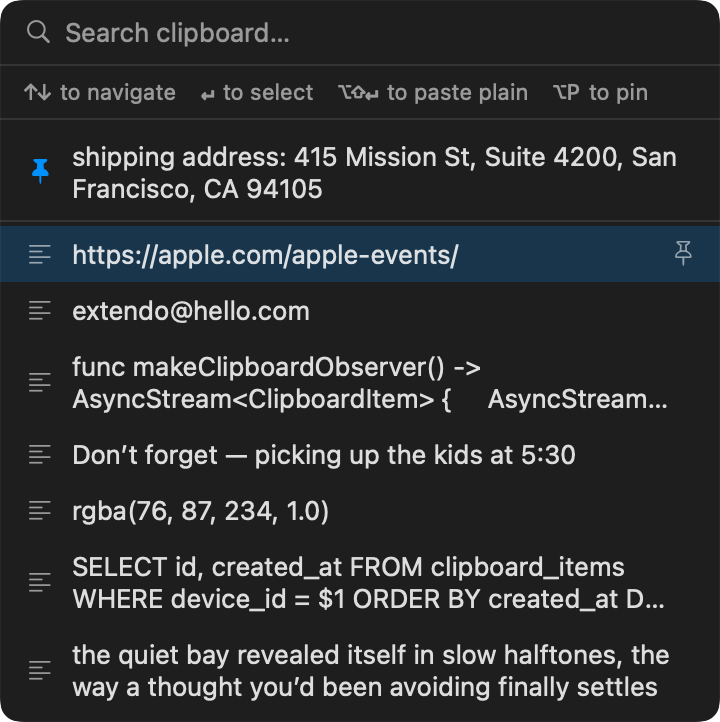
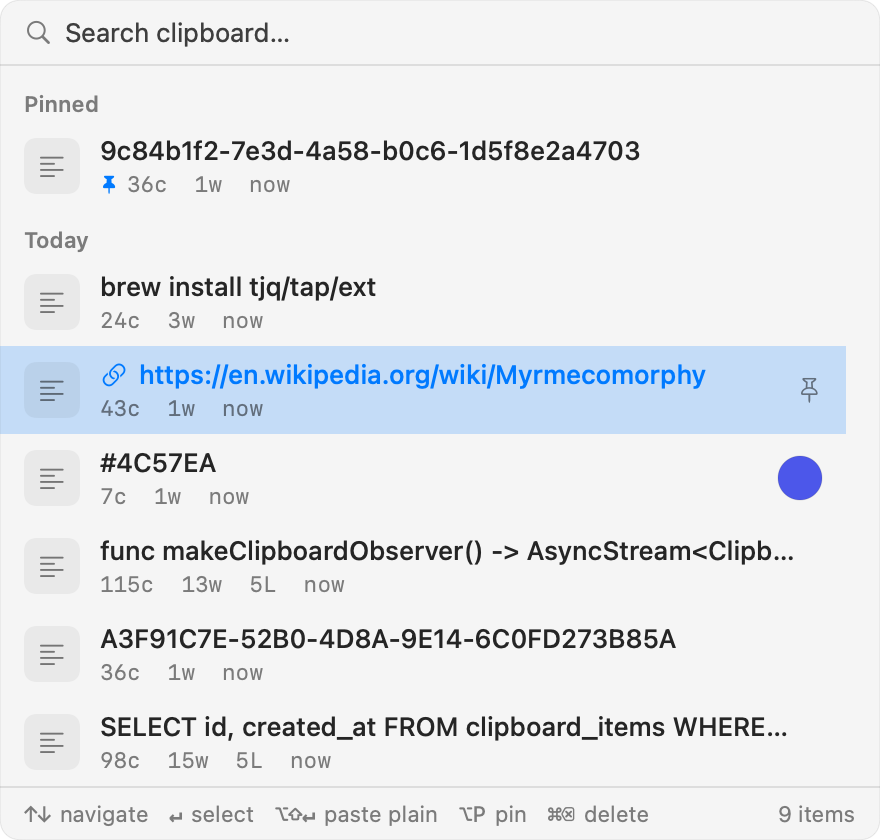
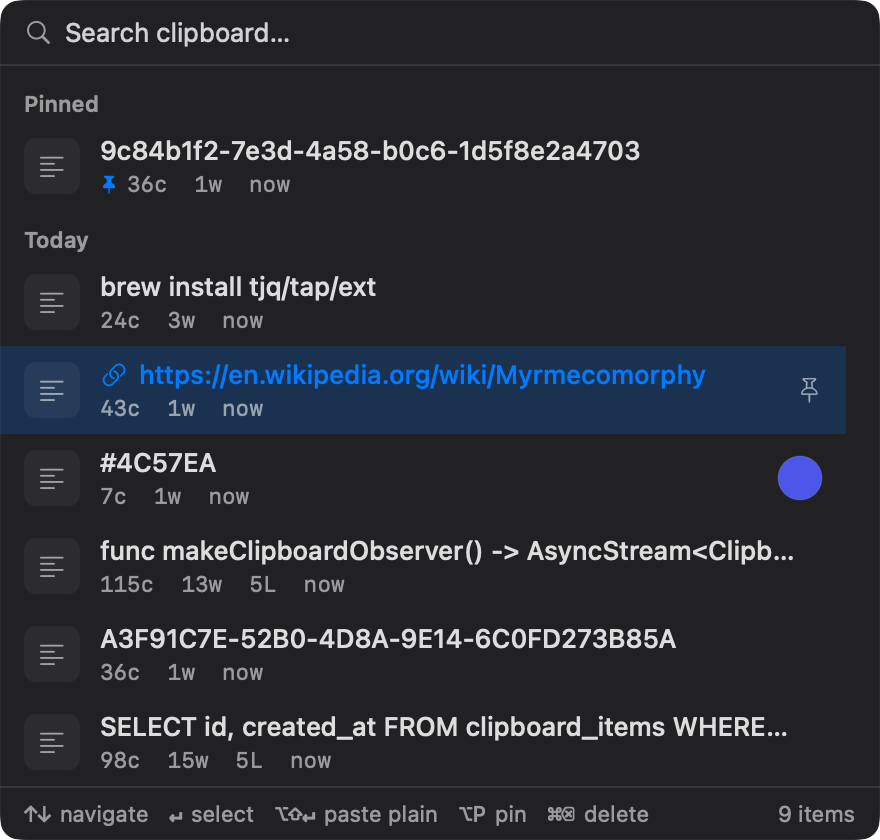
your last 10 copies, one keystroke away
Press ⌘⌥V to open the clipboard history picker, or ⌘⌥1–0 to paste a slot directly. Pin the things you reuse so they never scroll away.
copy on your Mac, paste on your iPhone
Optional iCloud sync sends your clipboard history to the iOS companion app. Pair once with a 6-digit code — no account, no setup beyond that.
private by default
History lives in memory, not on disk. No analytics, no telemetry, no servers — the only network feature is iCloud sync, and it's off until you turn it on.
end-to-end encrypted sync
Items are sealed with a 256-bit AES-GCM key before they leave your device. iCloud stores only ciphertext; the key never leaves your Keychains.
yours, wherever you are
Your clipboard follows you across your own iCloud devices. There's no extendo account to create and nothing to migrate — delete the app and the data is gone.
questions
Is extendo free?
The Mac app is free on the App Store and through Homebrew. The iPhone companion is a separate paid app — $4.99, one-time purchase, no subscription or in-app purchases.
How is extendo different from Apple's Universal Clipboard?
Universal Clipboard shares only your single most recent copy, and it expires after a short window. extendo keeps a history of your last 10 copies plus pinned items, gives each one a global hotkey on your Mac, and syncs the whole history to your iPhone over iCloud.
Can anyone read my synced clipboard?
No. Clipboard items are encrypted on your device with a 256-bit AES-GCM key before they leave it, and iCloud only ever stores ciphertext. The key lives in your device Keychains — there is no extendo server, and no one else can decrypt your data.
Does extendo write my clipboard history to disk?
No. On the Mac, history lives in memory only and clears when you quit the app. Nothing is logged, and there are no analytics or telemetry.
What does extendo require?
macOS 15.5 or later on the Mac, iOS 17 or later on iPhone. No special permissions to grant on the Mac — the global hotkeys don't need Accessibility access. iCloud sync is optional and off by default.